skip to content

Loaders
M-Series
Choose a Loader
Models
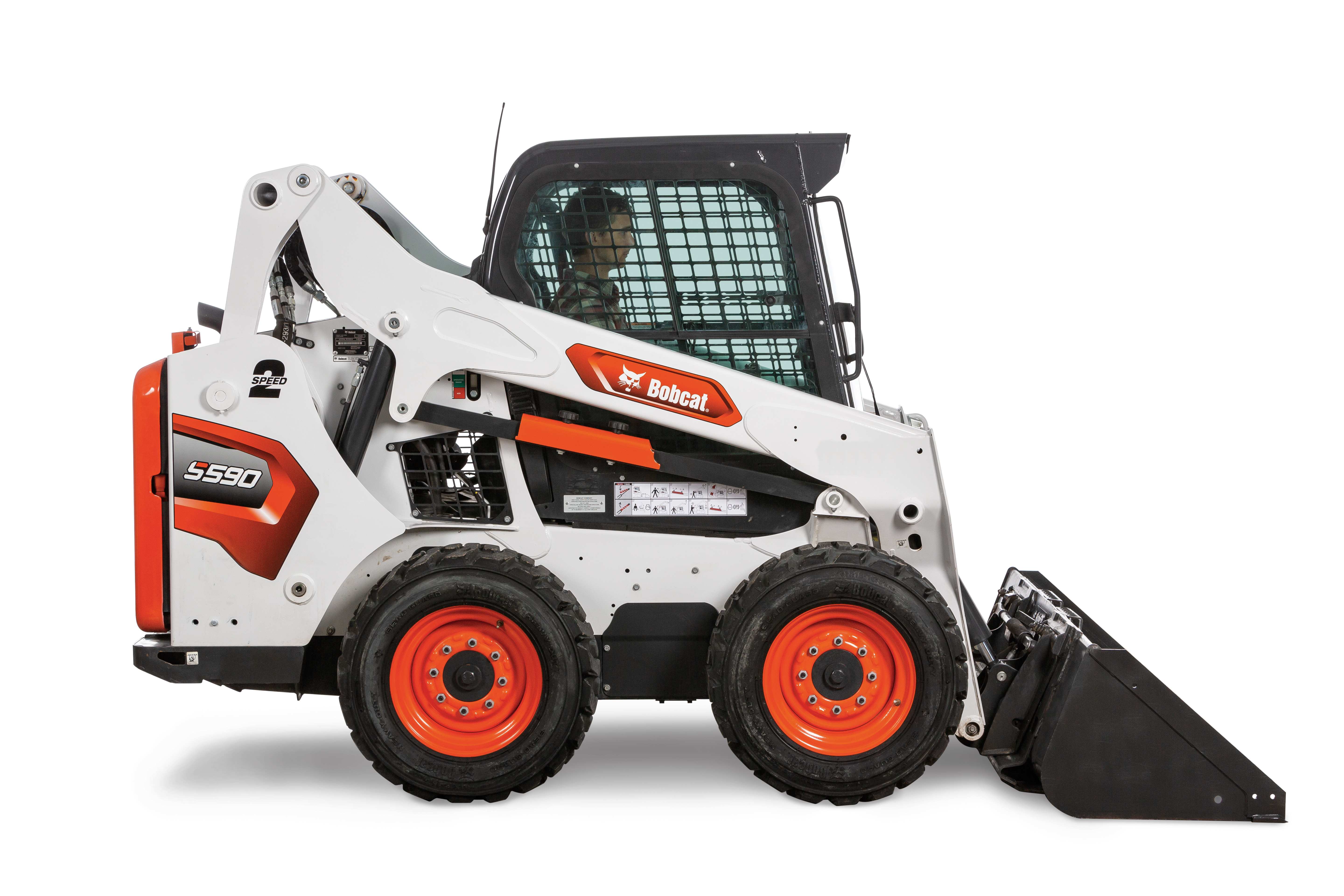
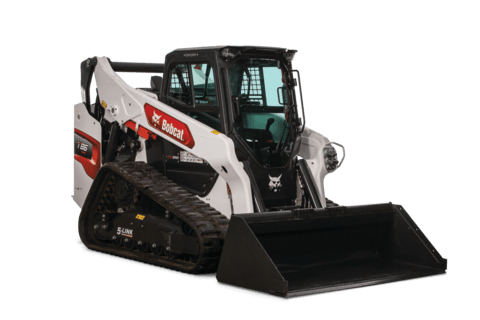
Skid-Steer Loaders
Compact Track Loaders
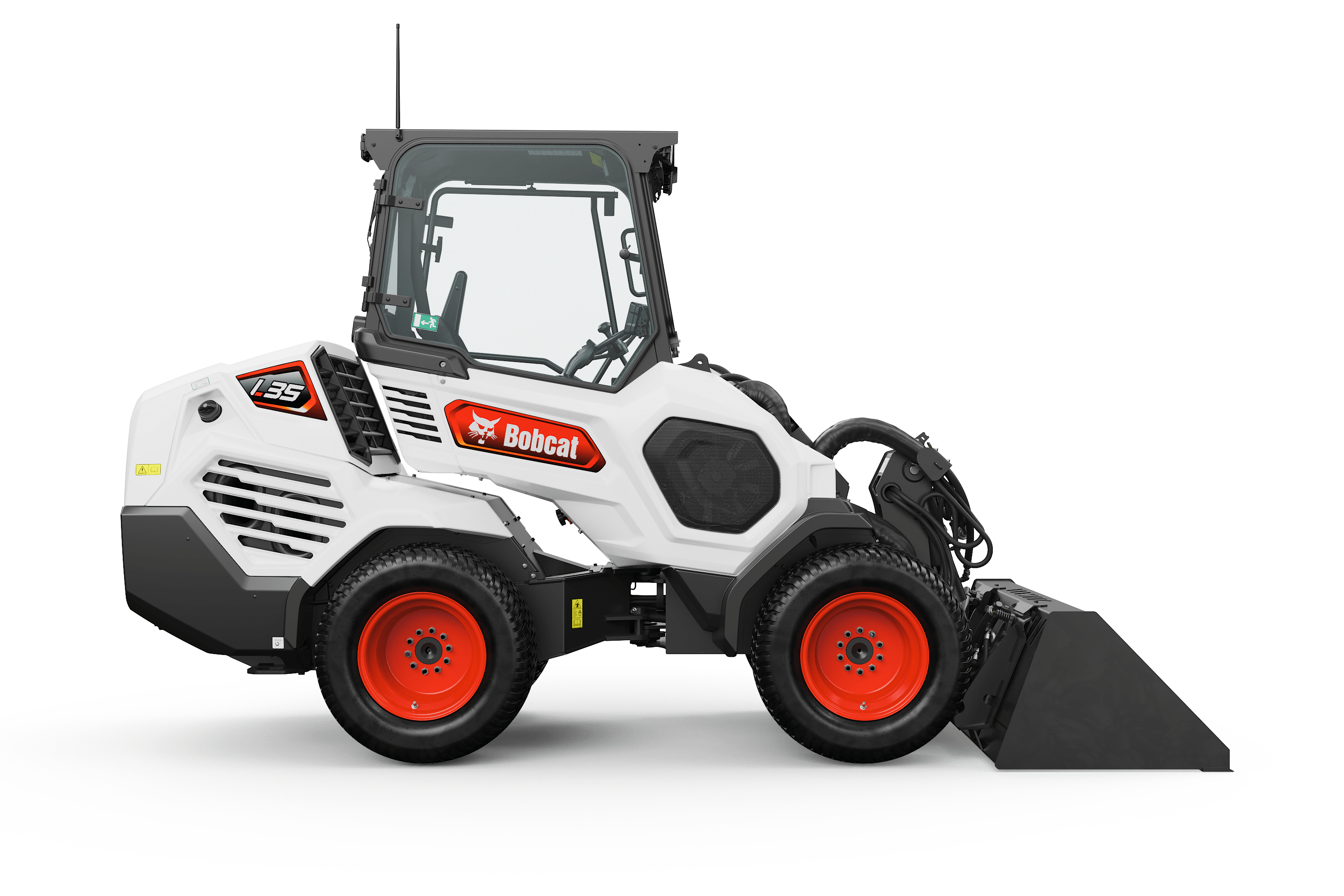
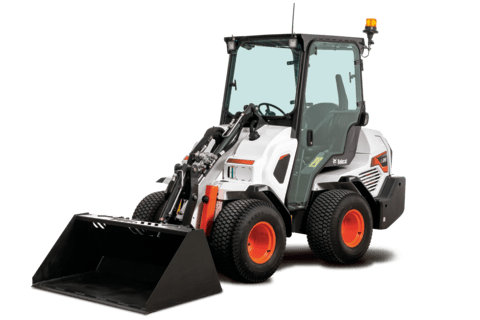
All-Wheel Steer Loaders
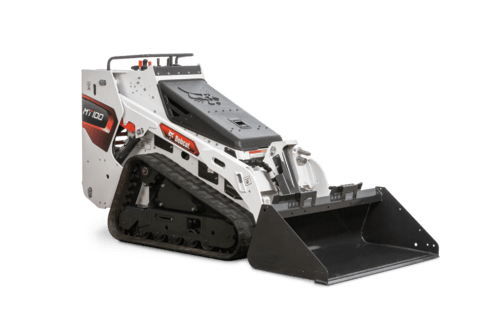
Mini Track Loaders
Customize
Tier 4

Simple Steering Modes and Joystick Controls

Which controls are best for you? Bobcat® skid-steer loaders, compact track loaders, all-wheel steer loaders and mini track loaders offer control options for your jobs and preferences.

Loader Type Standard Controls
(Hands or Feet)
Advanced Control System (ACS)
(Hands and Feet)
Selectable Joystick Controls (SJC)
(Hands)
Speed Management Radio Remote Control System Mini Track Loader Controls
Skid-Steer Loaders Std. Opt. Opt. Opt. Opt.  
Compact Track Loaders Std. Opt. Opt. Opt. Opt.  
All-Wheel Steer Loader     Std. Opt. Opt.  
Mini Track Loaders           Std.

Mode Switch

Choose all-wheel steer mode or skid-steer mode with the flip of a dash panel switch.

All-Wheel Steer Loader Controls

All-wheel steer loaders are equipped with joystick controls including Speed Management and foot throttle.

SJC Controls

Selectable Joystick Controls (SJC)

Bobcat all-wheel steer loaders feature All-Wheel Steer Controls that enable hand control of all machine functions:

  • Joystick Control: The left joystick manages left-side drive and lift functions, while the right joystick controls right-side drive and tilt functions as well as auxiliary hydraulics.
  • Speed Management: Get optimum attachment performance and precise machine movements as you match the travel speed to your job.
  • Horsepower Management: Automatically adjust the drive system to maximize pushing and digging power without stalling the engine.
  • Foot Throttle: Use your foot to increase engine speed when needed.
  • Fingertip Switches: Control attachment functions, speed management, horn and blinkers without letting go of the joysticks.

All-Wheel Steer "C" Pattern

The all-wheel steer mode uses a "C" control pattern. When in all-wheel steer mode, push the left joystick forward and the loader will drive forward. Pull the joystick back, and the loader will travel backwards.

To turn left while driving forward, push the joystick forward and to the left. To turn right, push forward and to the right. To turn left in reverse, pull the joystick back and to the left. To turn right in reverse, pull back and to the right.

Skid Steer "S" Pattern

The skid steer mode uses a "S" control pattern. When in skid steer mode, push the left joystick forward and the loader will drive forward. Pull the joystick back, and the loader will travel backwards. To turn left while driving forward, push the joystick forward and to the left. To turn right, push forward and to the right. To turn left in reverse, pull the joystick back and to the right. To turn right in reverse, pull back and to the left.

Radio Remote Control

Radio Remote Control System: Take Control From Outside the Cab

The innovative Bobcat Loader Radio Remote Control System equips your loader to operate remotely in certain approved environments.* It enhances the capabilities of Bobcat all-wheel steer (AWS), skid-steer and compact track loaders with Selectable Joystick Controls (SJC). The system is easy to install and simple to operate. Discover how the Loader Radio Remote Control System enhances your capabilities.

*Operation of the loader with the Radio Remote Control System is NOT APPROVED for use in certain areas requiring additional safeguards against fire hazards as defined by the National Fire Protection Association Standard NFPA-505 (also ANSI B56.2) or by OSHA as defined in the Code of Federal Regulations 29 CFR 1910.178. NOTE: Loaders equipped with the Radio Remote Control System should not be used in explosive environments or in applications where extremely high temperatures could damage the machine. For approved need and use of equipment in certain hazardous applications, contact the "AUTHORITY HAVING JURISDICTION". Refer to the Operation, Maintenance and Parts Manual for more information.